In BrightAuthor we setup any content using presentations, targeting a local webpage is no different.
Either create a new presentation or open an existing one, for this guide we'll show all the steps from scratch.
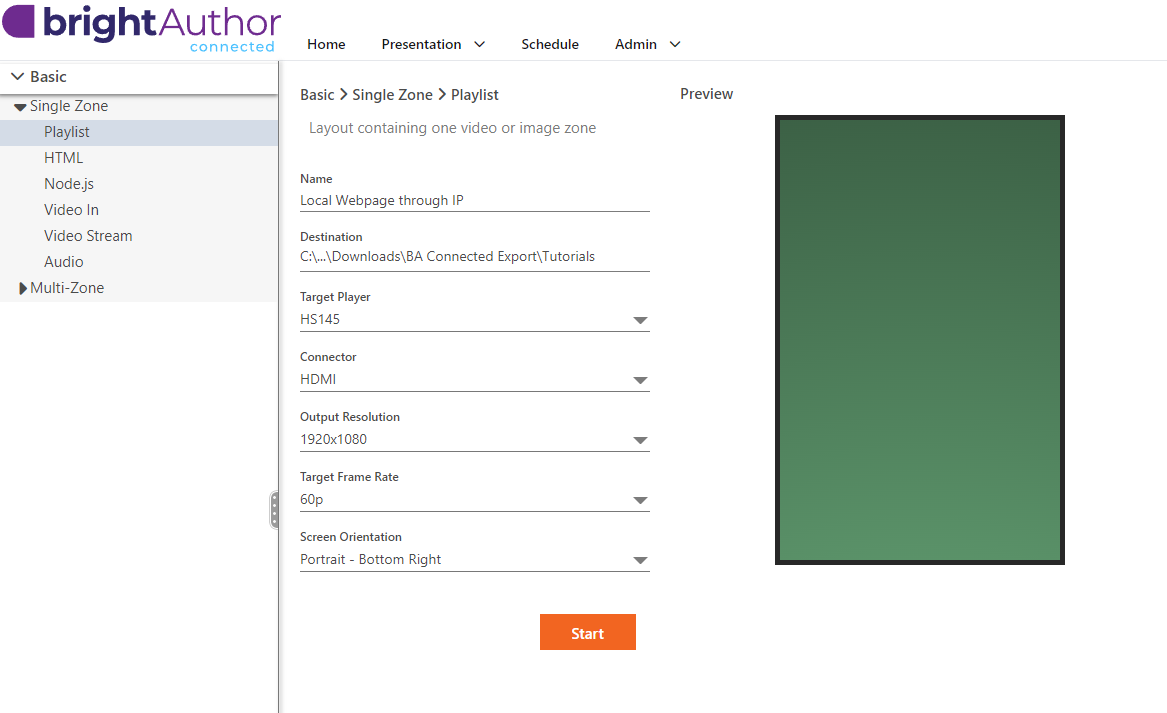
Create a new presentation using the following settings:
- Single Zone > Playlist
- Name
- Destination (where the presentation will be stored on your PC)
- Target Player (your model player, XPO BrightSign built-in is generally HS145)
- Screen Orientation (choose between Landscape or Portrait for now, if the image appears upside-down in portrait you can still change this later)
- Hit Start
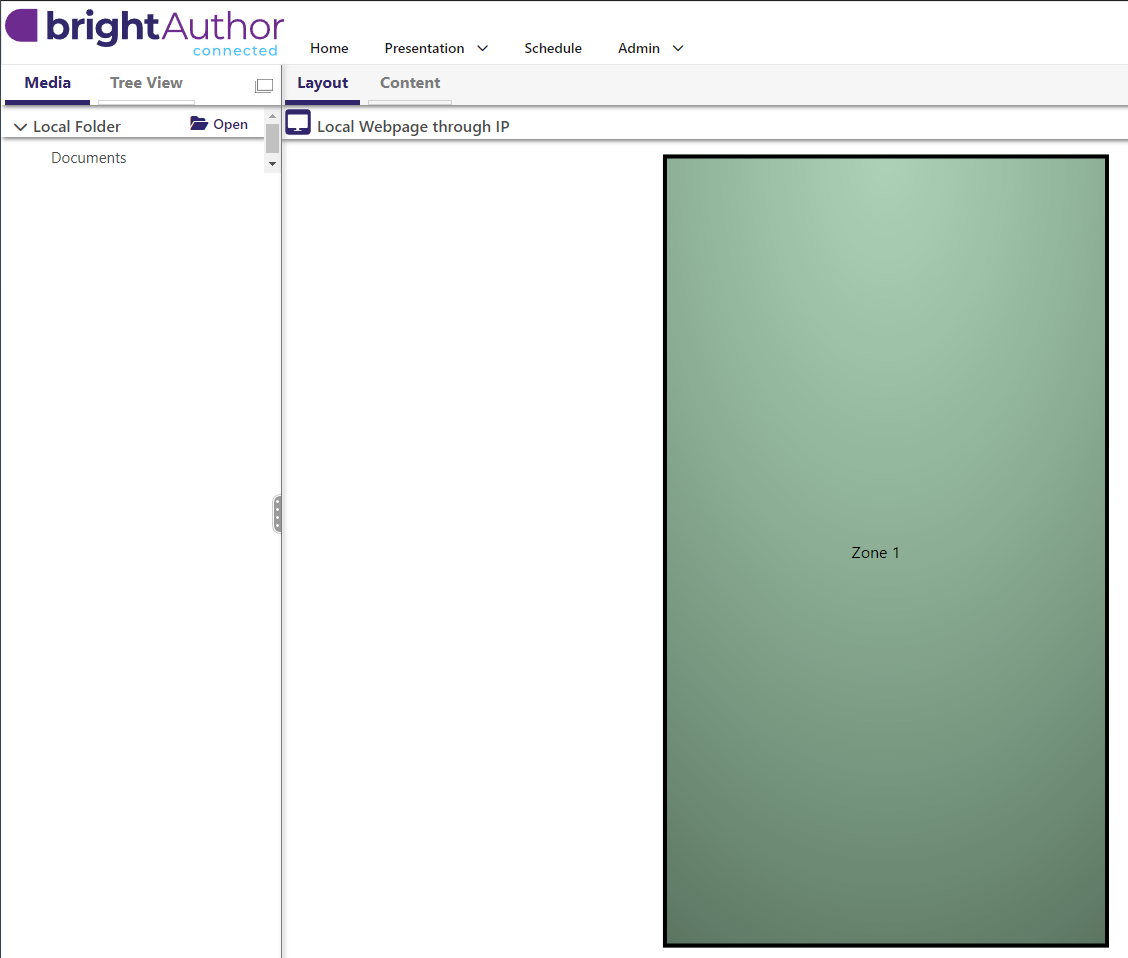
In the Layout page double click the green "Zone 1" or go to "Content"
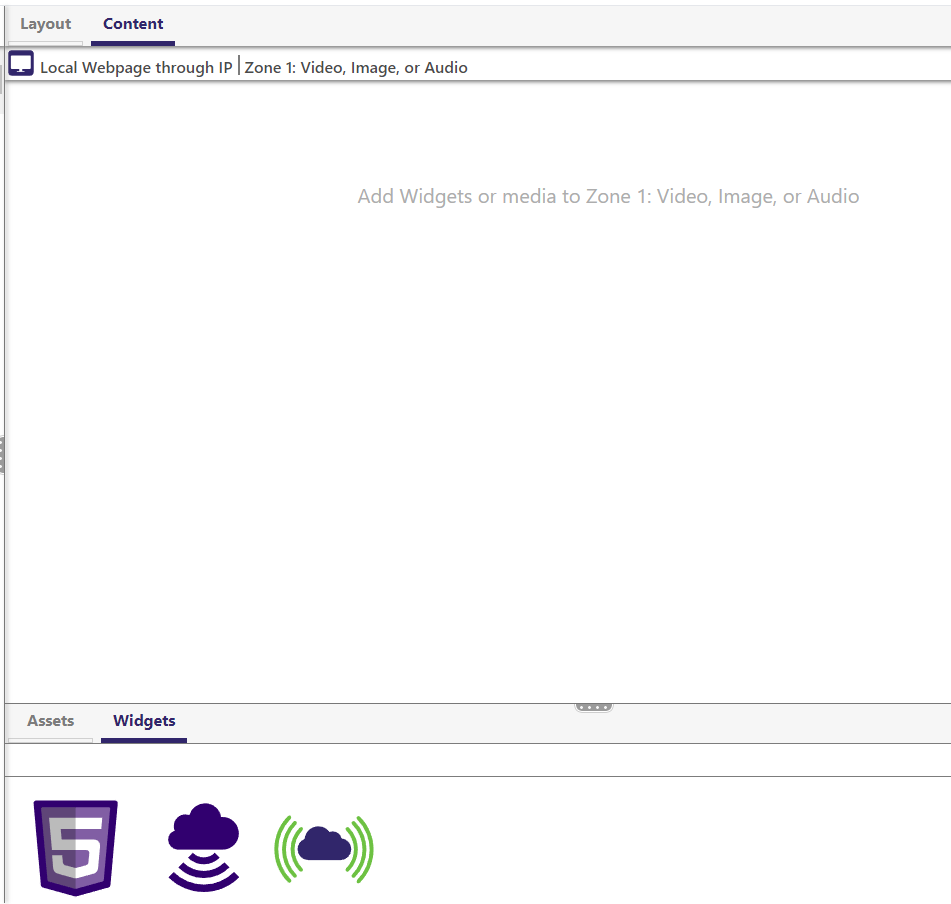
Under the "Widget" tab drag in a HTML5 widget:
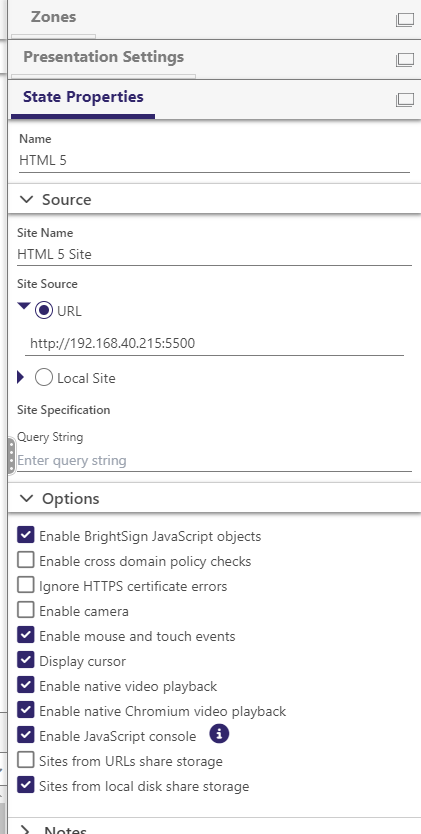
Then in the HTML5 widget settings enter the local IP address and it's check the settings below.
Now hit "Publish" once to go to the scheduler and select your publishing method.
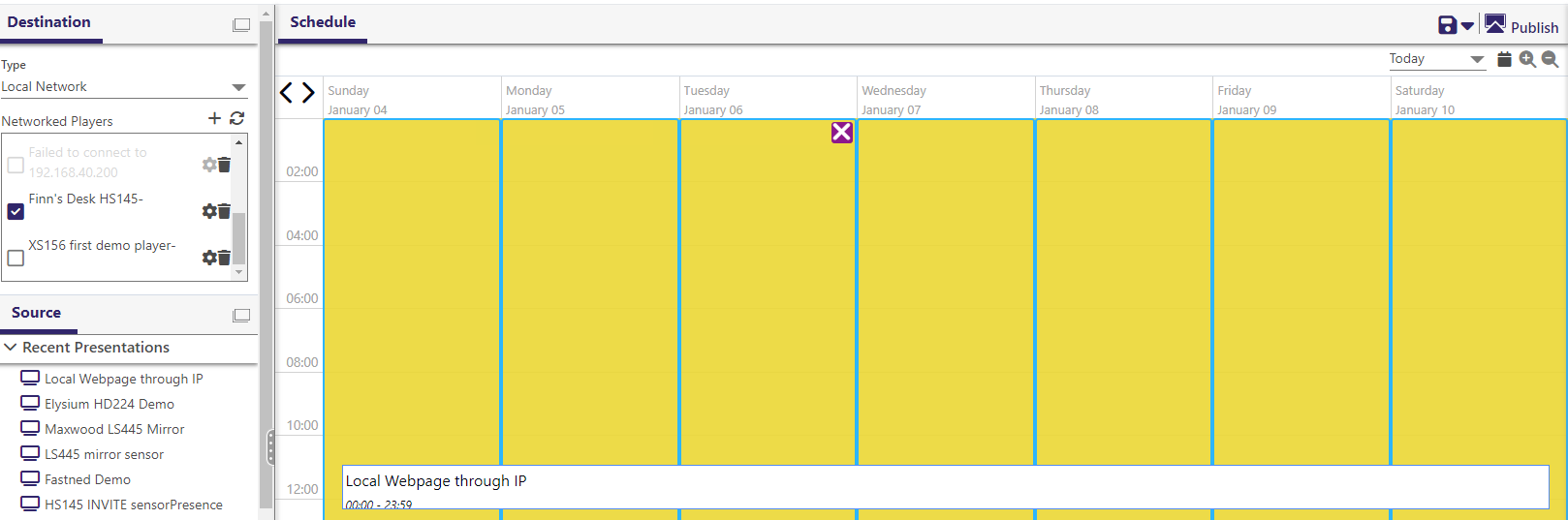
Hit publish again and you're done!
Was this article helpful?
That’s Great!
Thank you for your feedback
Sorry! We couldn't be helpful
Thank you for your feedback
Feedback sent
We appreciate your effort and will try to fix the article